- 0:00 Intro
- 0:35 Ambience
- 1:48 Rain, close
- 3:02 The bridge
Timestamps
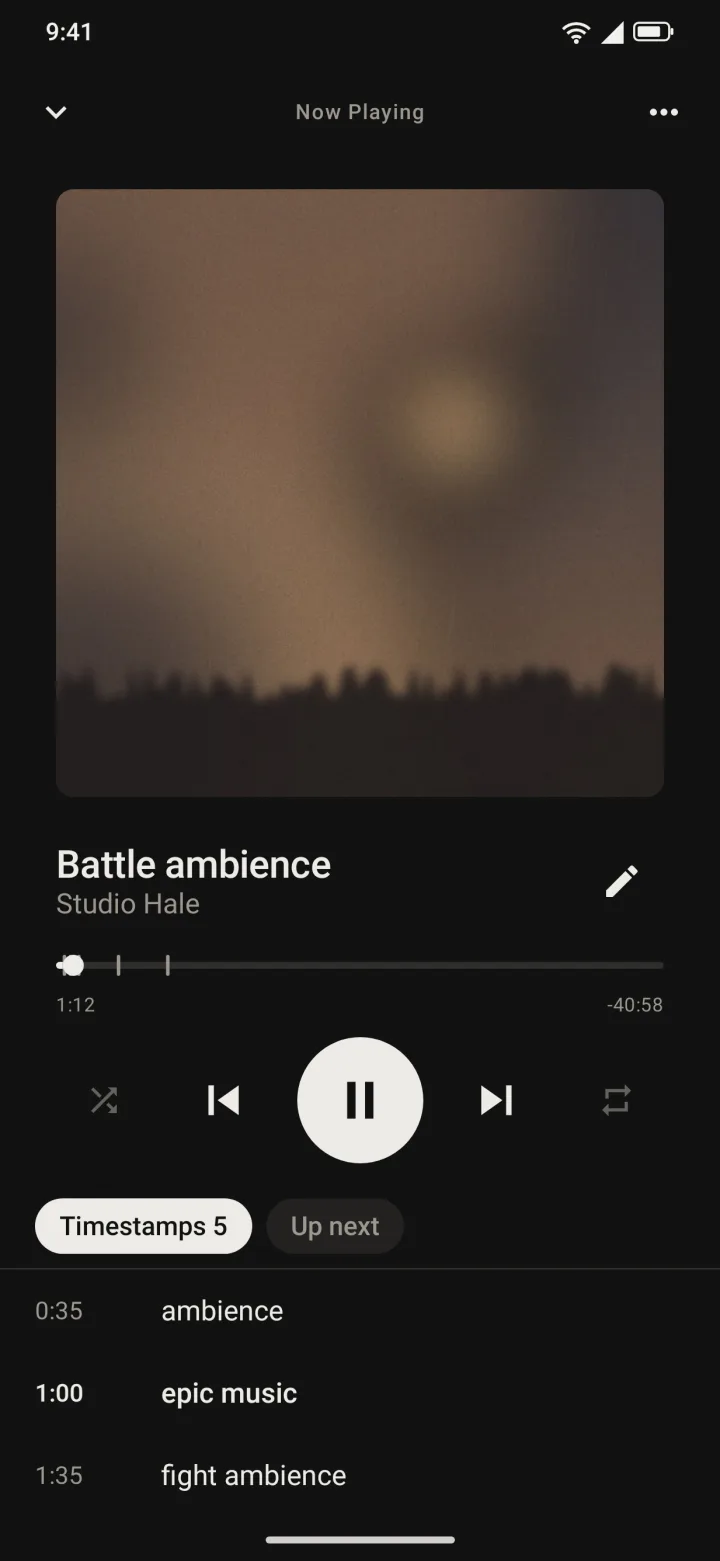
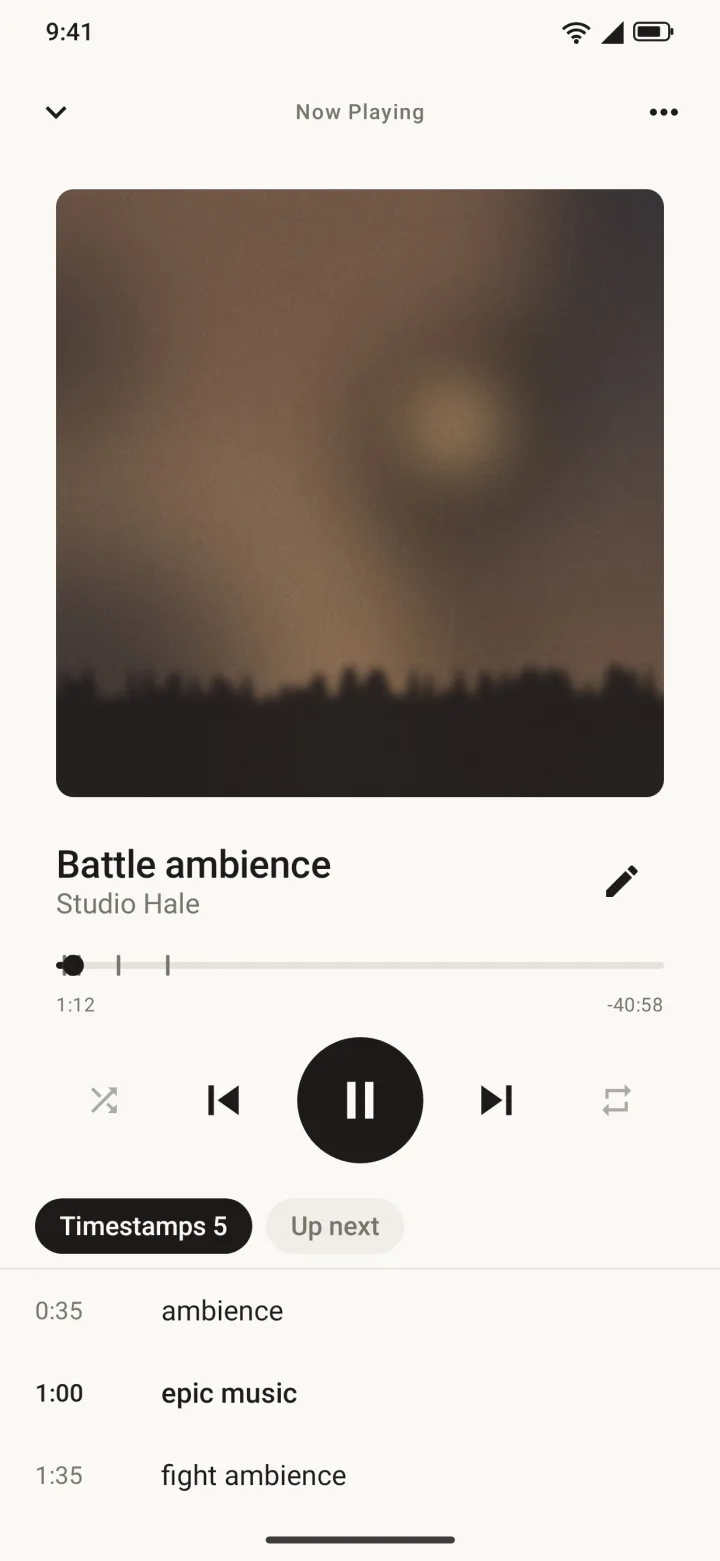
Write one per line, like 0:35 ambience. Tap a row to jump there. The section you are in shows in bold, and every mark sits as a tick on the progress bar.
BASE is a calm player for the audio folder on your Blanket server. Stream what you want, keep what you need offline, and mark the moments worth returning to.
What it does
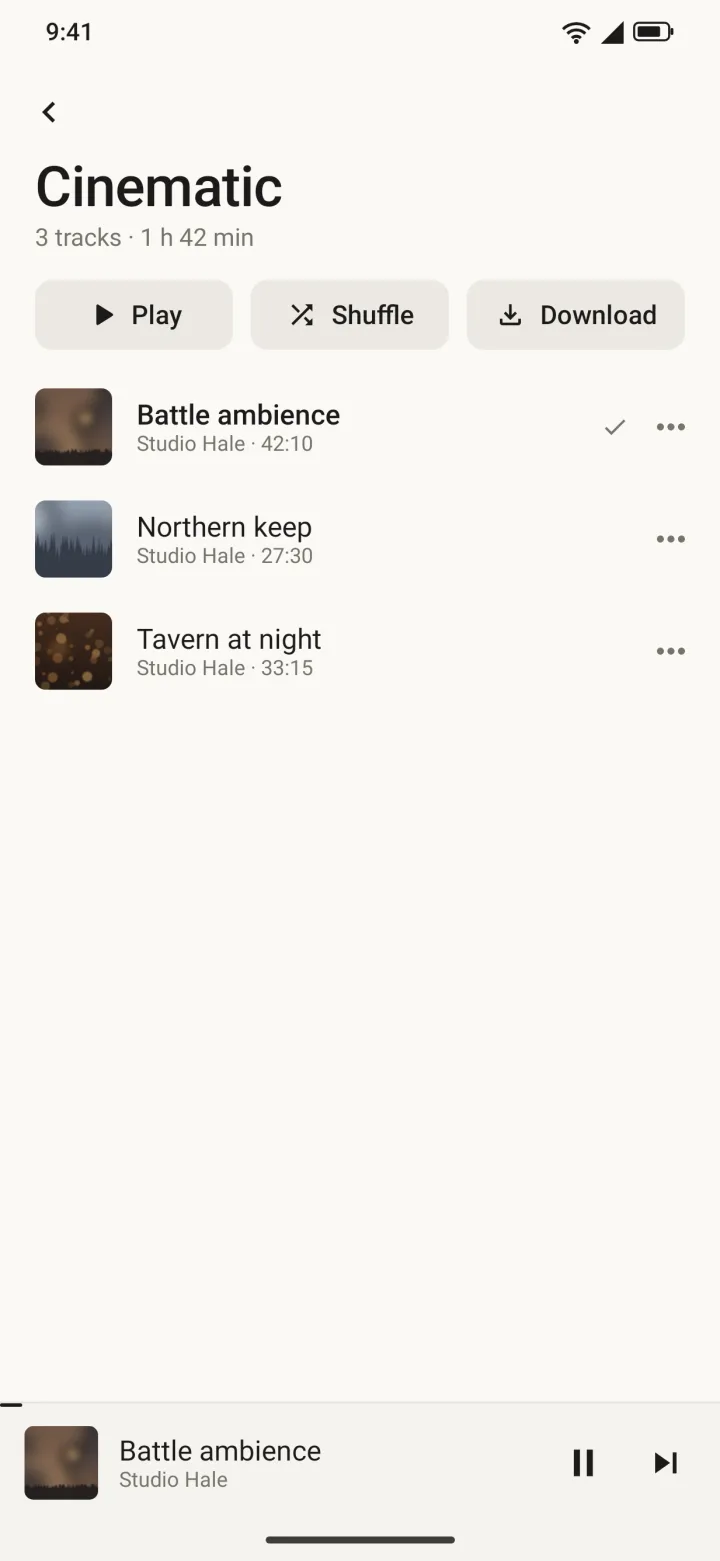
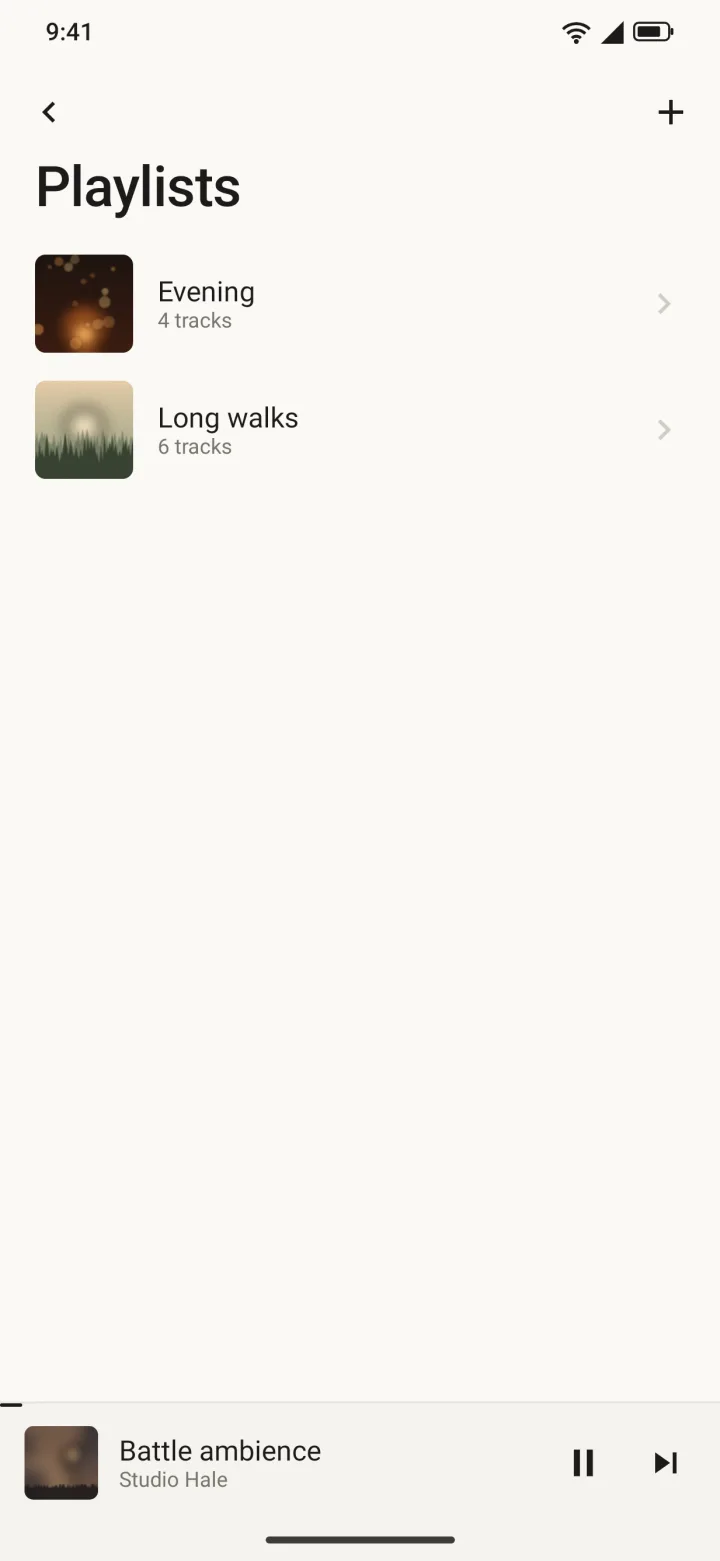
One folder of music on your server, one quiet app on your phone. No store, no recommendations, nothing to subscribe to.
Write one per line, like 0:35 ambience. Tap a row to jump there. The section you are in shows in bold, and every mark sits as a tick on the progress bar.
Download a track, a playlist or a whole folder. Downloads wait for Wi-Fi unless you tell them not to. Recently played tracks replay offline too.
A timestamp is a line of text: a time, then a name. Save it and a tick appears exactly where you wrote.
Rename a track, set your own cover, add timestamps. Each change is a small file in your library folder, next to the audio. Edits made offline sync when you are back.
Lock the phone, open something else. Playback carries on in the background with controls on the lock screen. Audio already on the phone plays too.
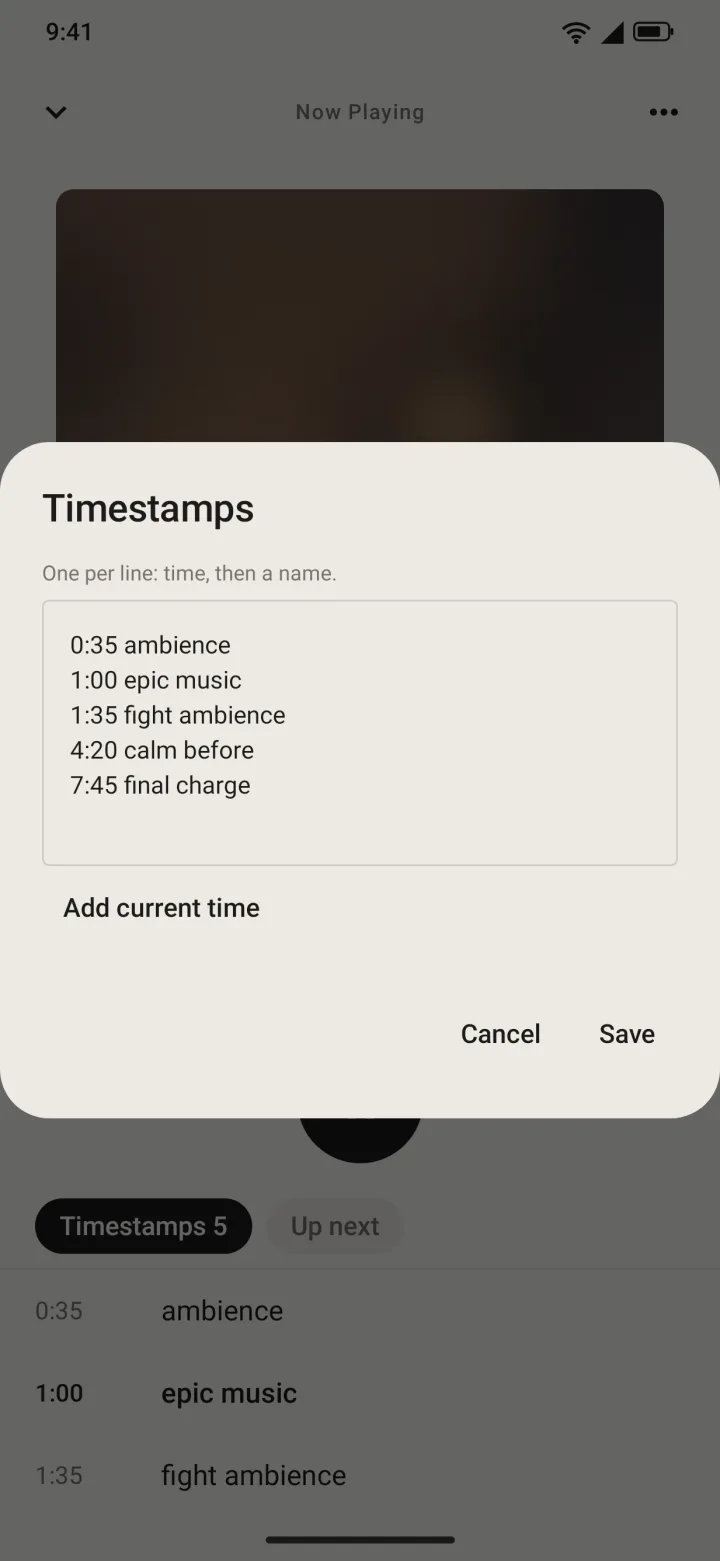
Timestamps
Long recordings, mixes and field tapes have places worth finding again. Write them down once and they stay with the track.
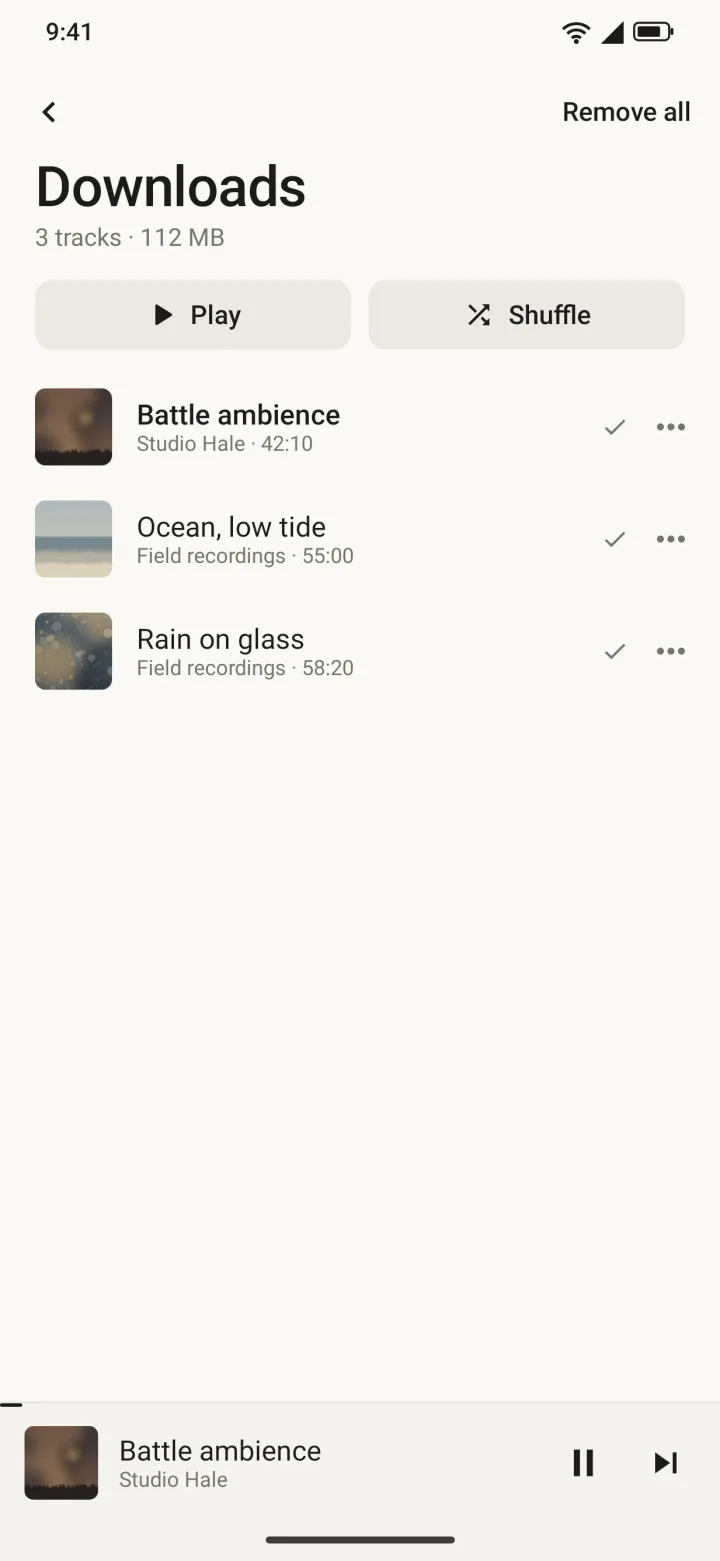
Offline
Streaming is the default. Everything else is a choice you make per track, per playlist or per folder.
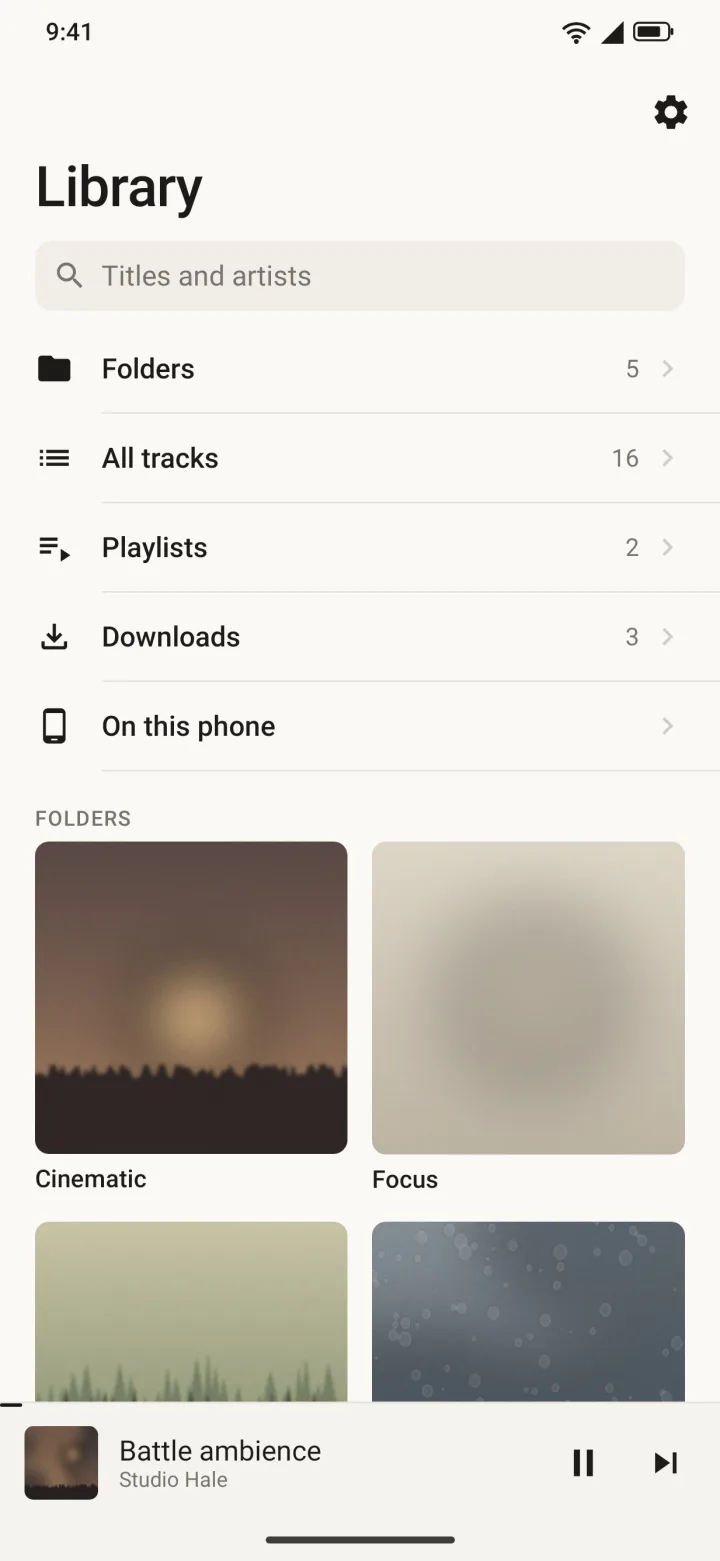
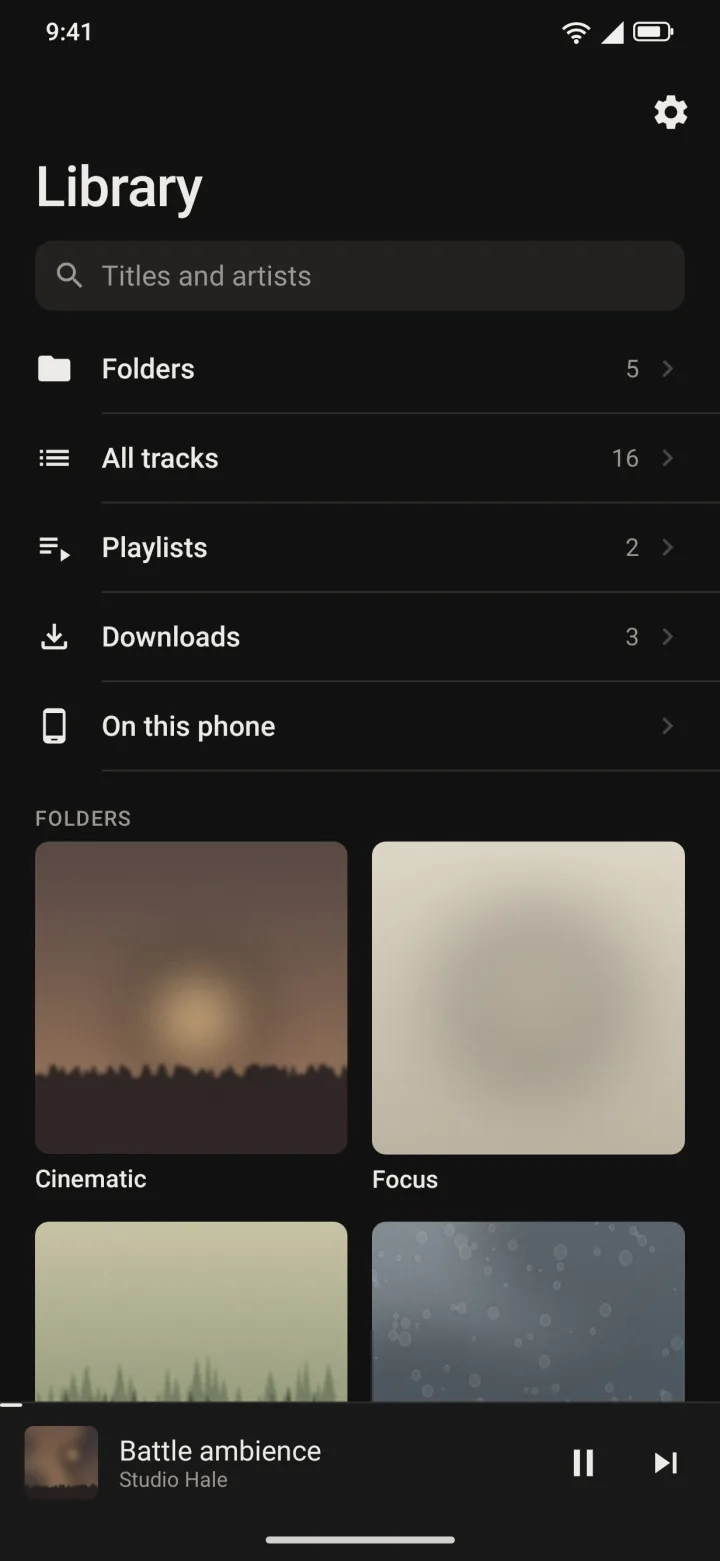
Appearance
Light and dark follow the phone. There is one palette, warm and unhurried, and no setting to fuss over.
Install
BASE is shared privately, so it is not on the Play Store. You install one file and sign in with the account you already use for the other Blanket apps.
Tap the button below from your Android phone. One small file.
Android asks once to allow installs from your browser. Say yes, then open the file.
Use your Blanket account. There is no sign-up form; access is by request, like the other Blanket apps.
Already have a Blanket account? The same sign-in works here. If you do not, ask the person who shared this page with you.
Your folder, your phone, nothing in between.
Download for AndroidSigns in with your Blanket account.